Editorial Archive Mockup Kit
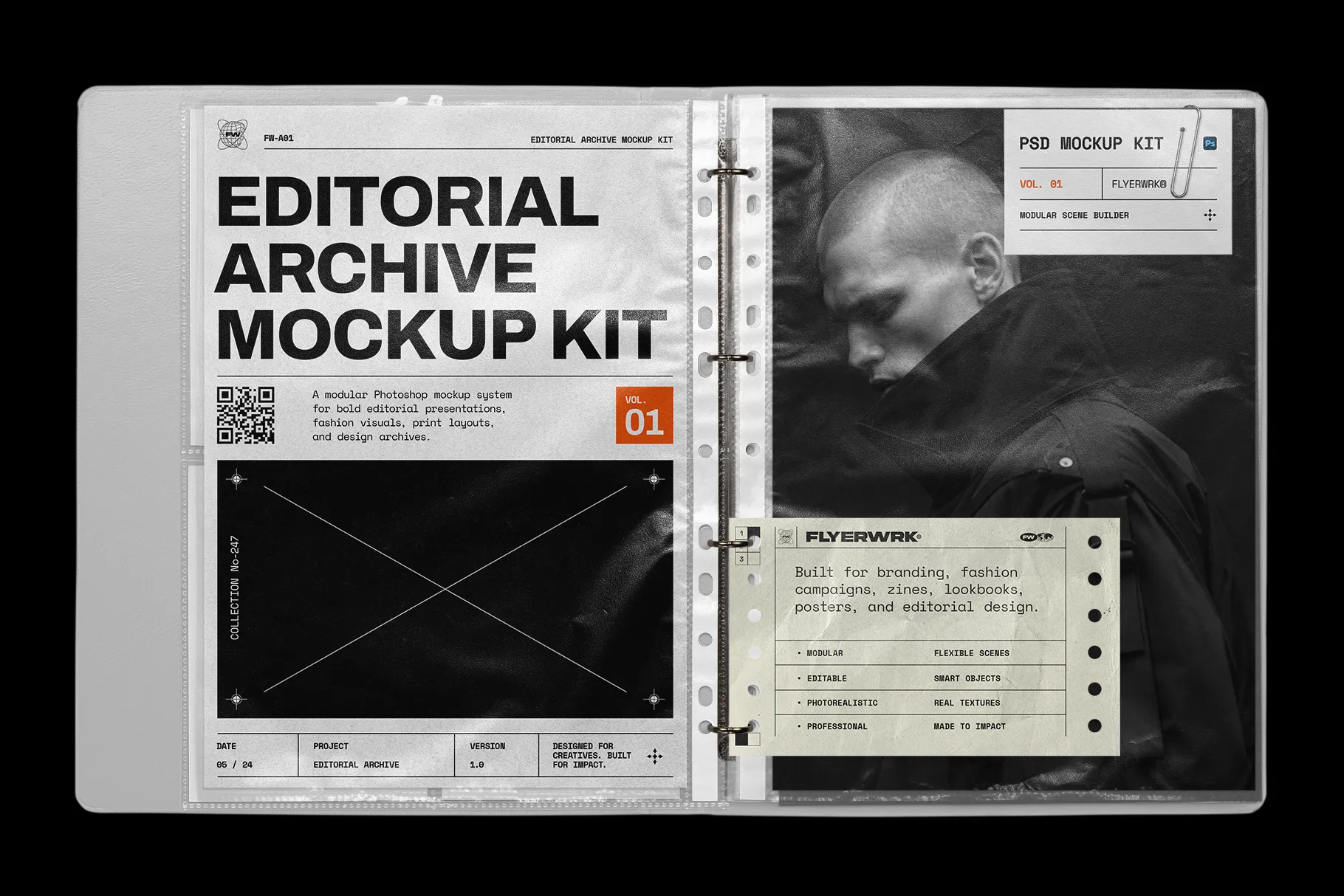
A modular Photoshop mockup system for bold editorial presentations, fashion visuals, print layouts, and design archives.
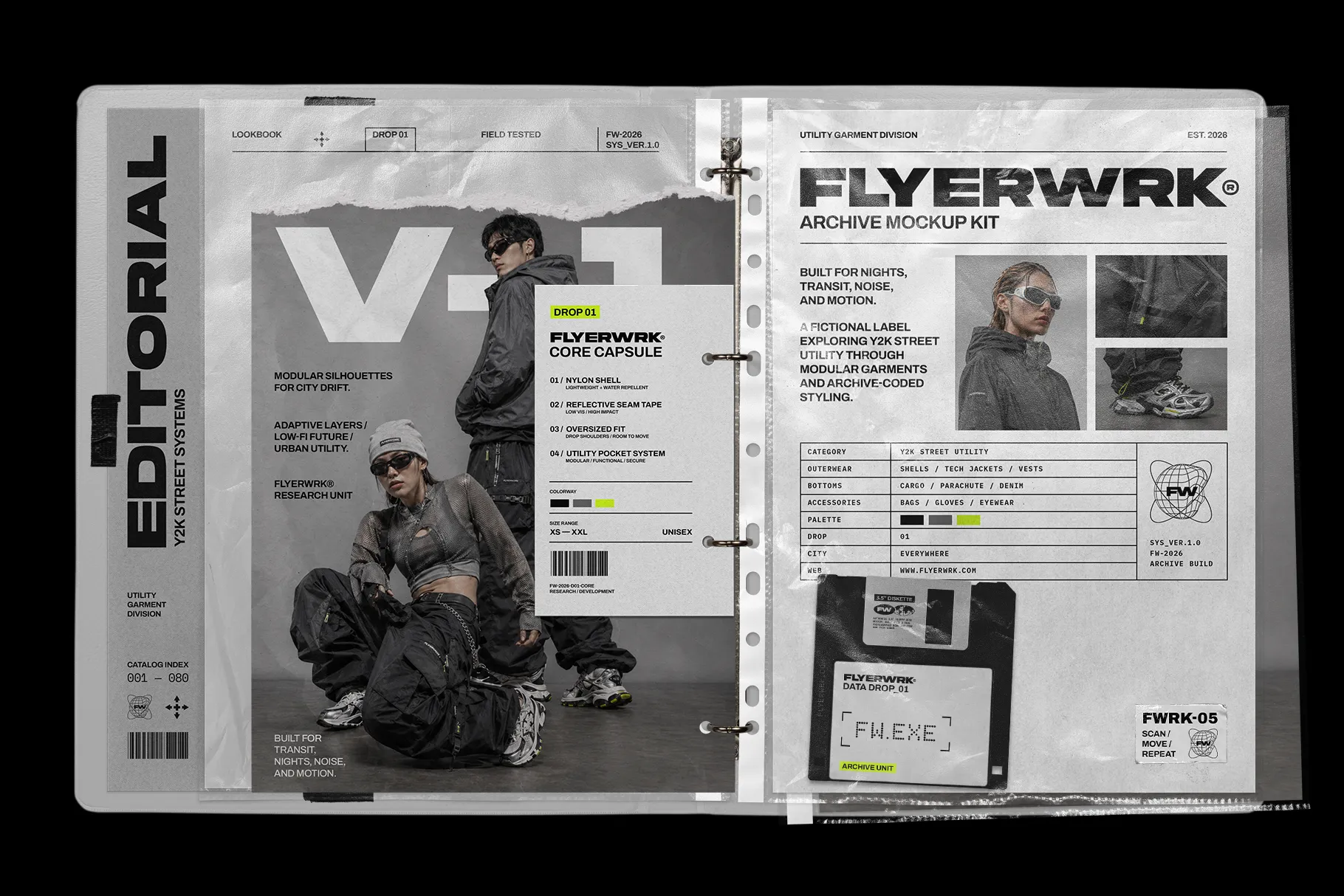
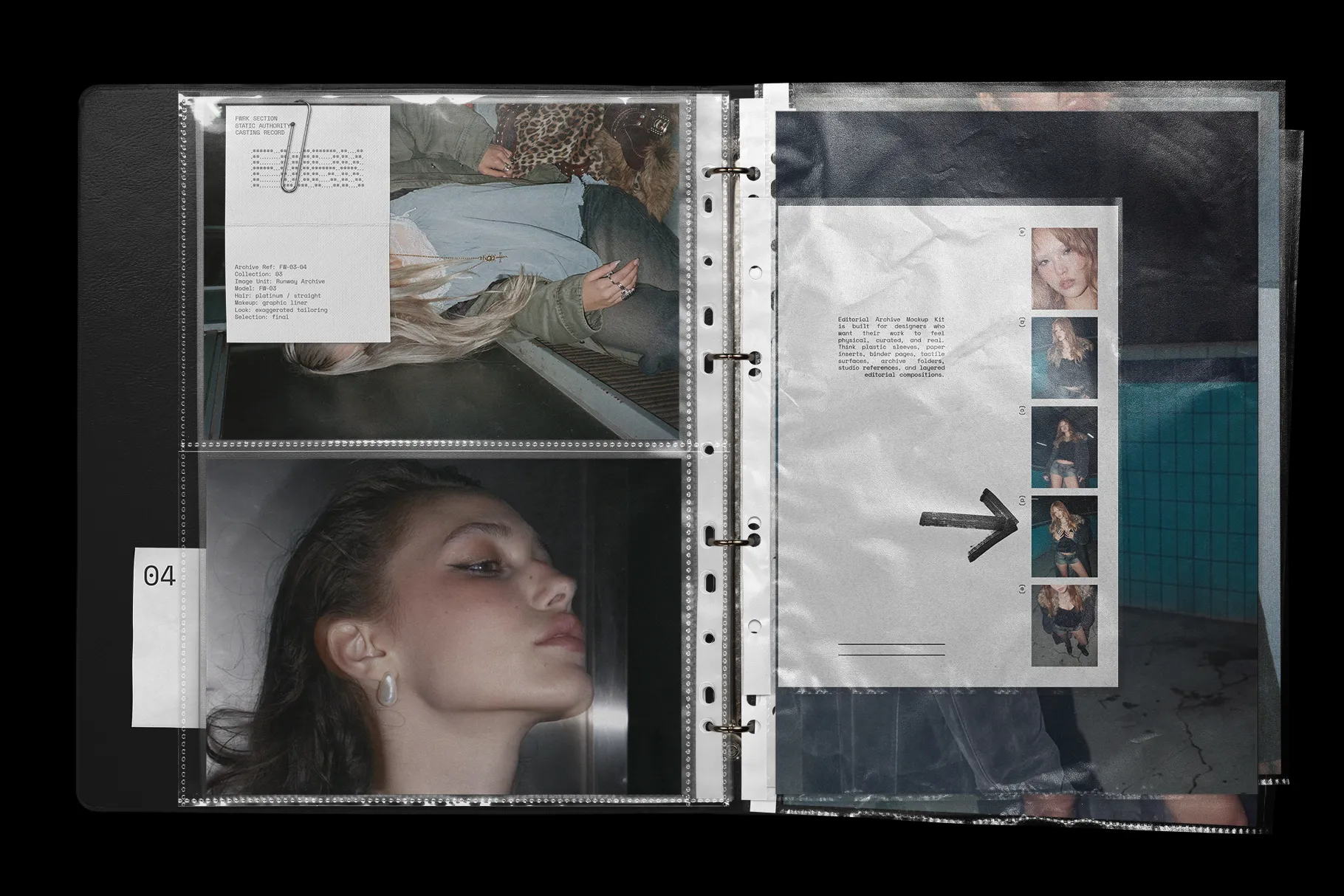
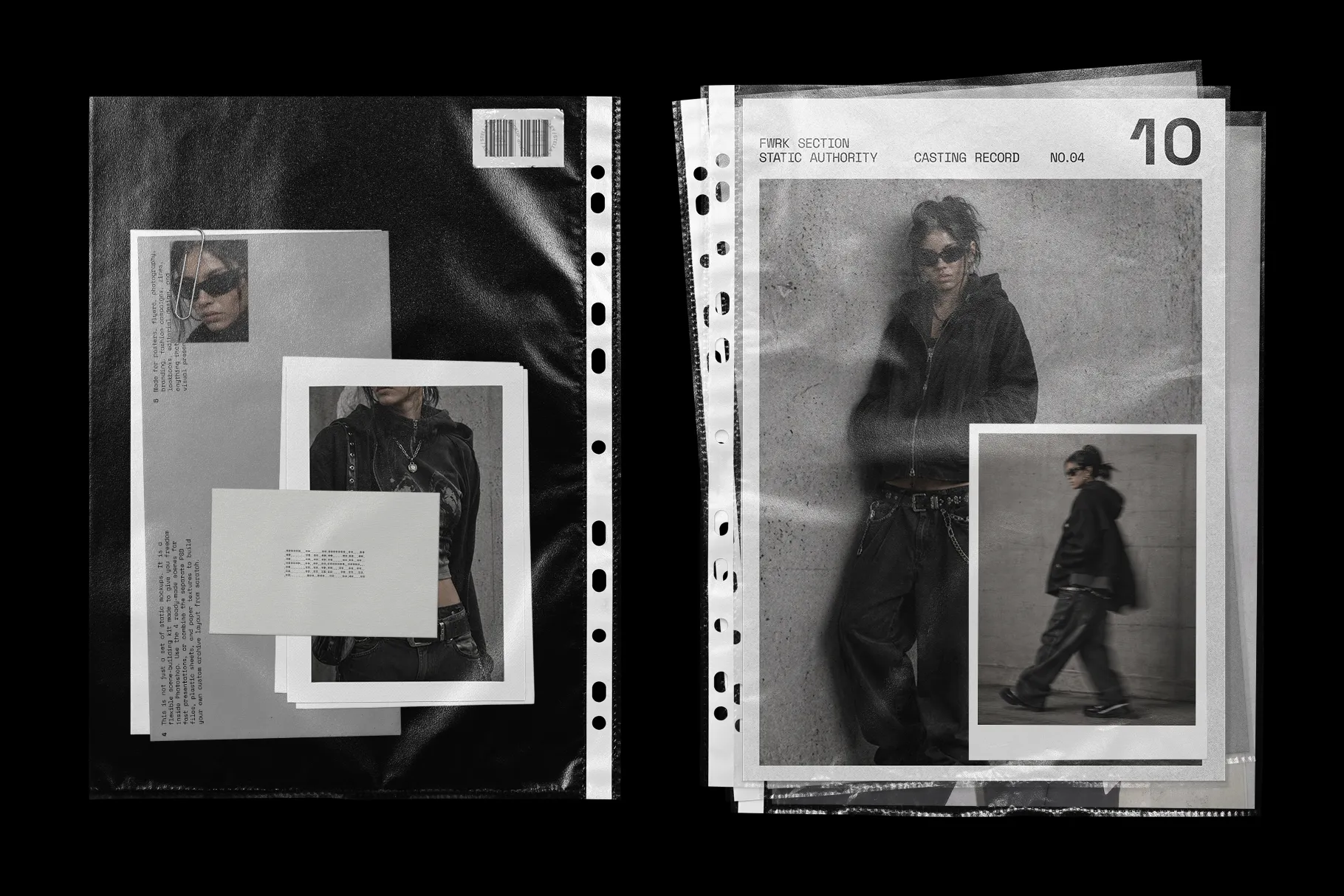
Editorial Archive Mockup Kit is built for designers who want their work to feel physical, curated, and real. Think plastic sleeves, paper inserts, binder pages, tactile surfaces, archive folders, studio references, and layered editorial compositions.
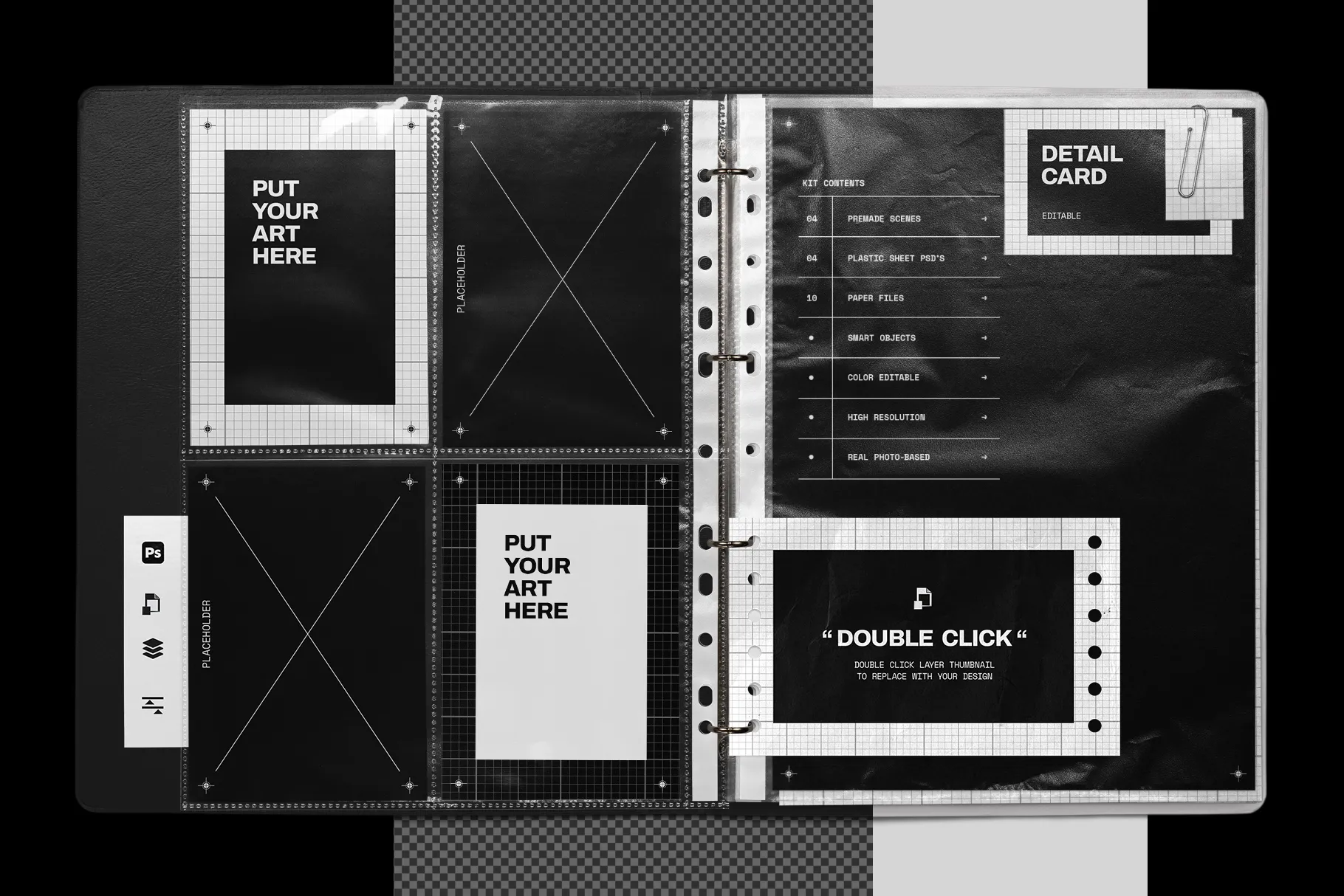
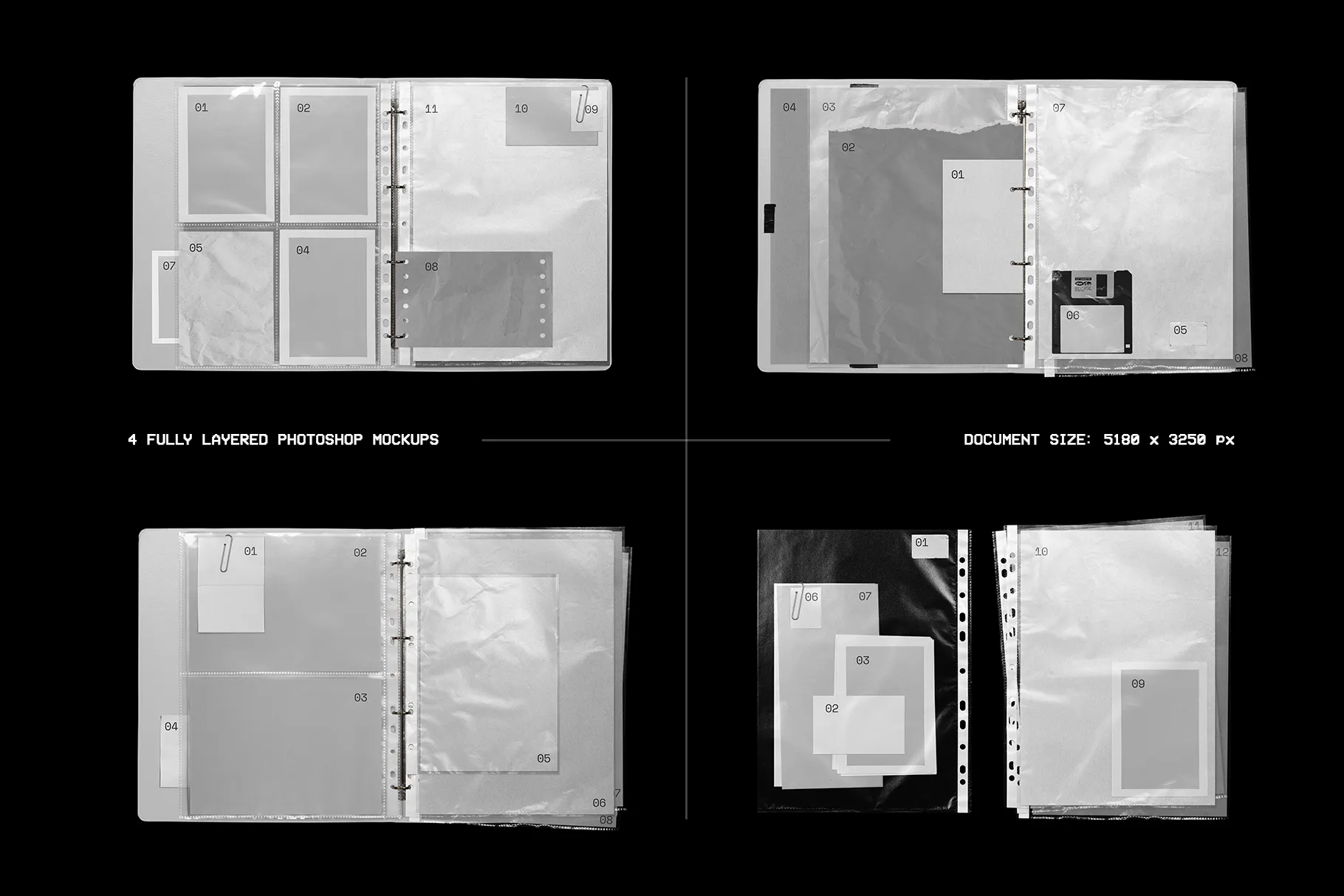
This is not just a set of static mockups. It is a flexible scene-building kit made to give you freedom inside Photoshop. Use the 4 ready-made scenes for fast presentations, or combine the separate PSD files, plastic sheets, and paper textures to build your own custom archive layout from scratch.
Made for posters, flyers, photography, branding, fashion campaigns, zines, lookbooks, editorial design, and anything that deserves a stronger visual presentation.
Crafted in the bold, design-forward spirit of Flyerwrk: premium graphic assets made to help designers push ideas further.
Story Behind the Asset
Editorial Archive Mockup Kit started with a simple idea: create a mockup that feels less like a template and more like something pulled from a real creative studio.
A binder full of references.
A plastic sleeve with fingerprints and reflections.
A stack of papers, textures, print tests, and visual experiments.
Something raw, useful, and a little imperfect in the right way.
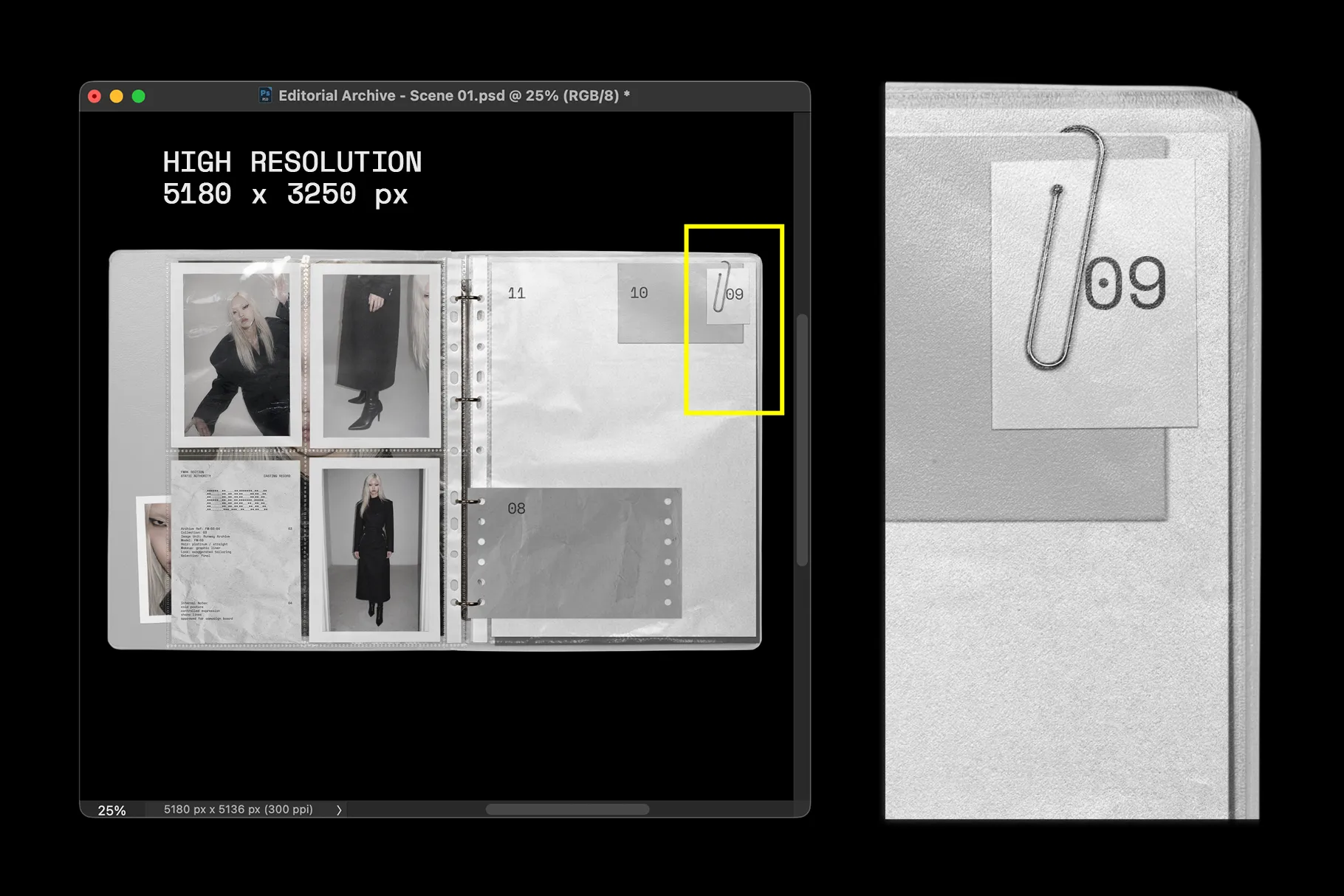
Every element was made completely from scratch using real photography. The materials were captured with a 50mm macro lens on a full-frame camera to keep the small details alive: plastic reflections, paper grain, soft shadows, worn surfaces, and all the tiny imperfections that make the scene feel human.
The goal was to build a mockup kit that gives designers more control. You can keep it clean and minimal, push it into a fashion archive direction, build a raw studio moodboard, or create your own layered design presentation.
Easy to Use
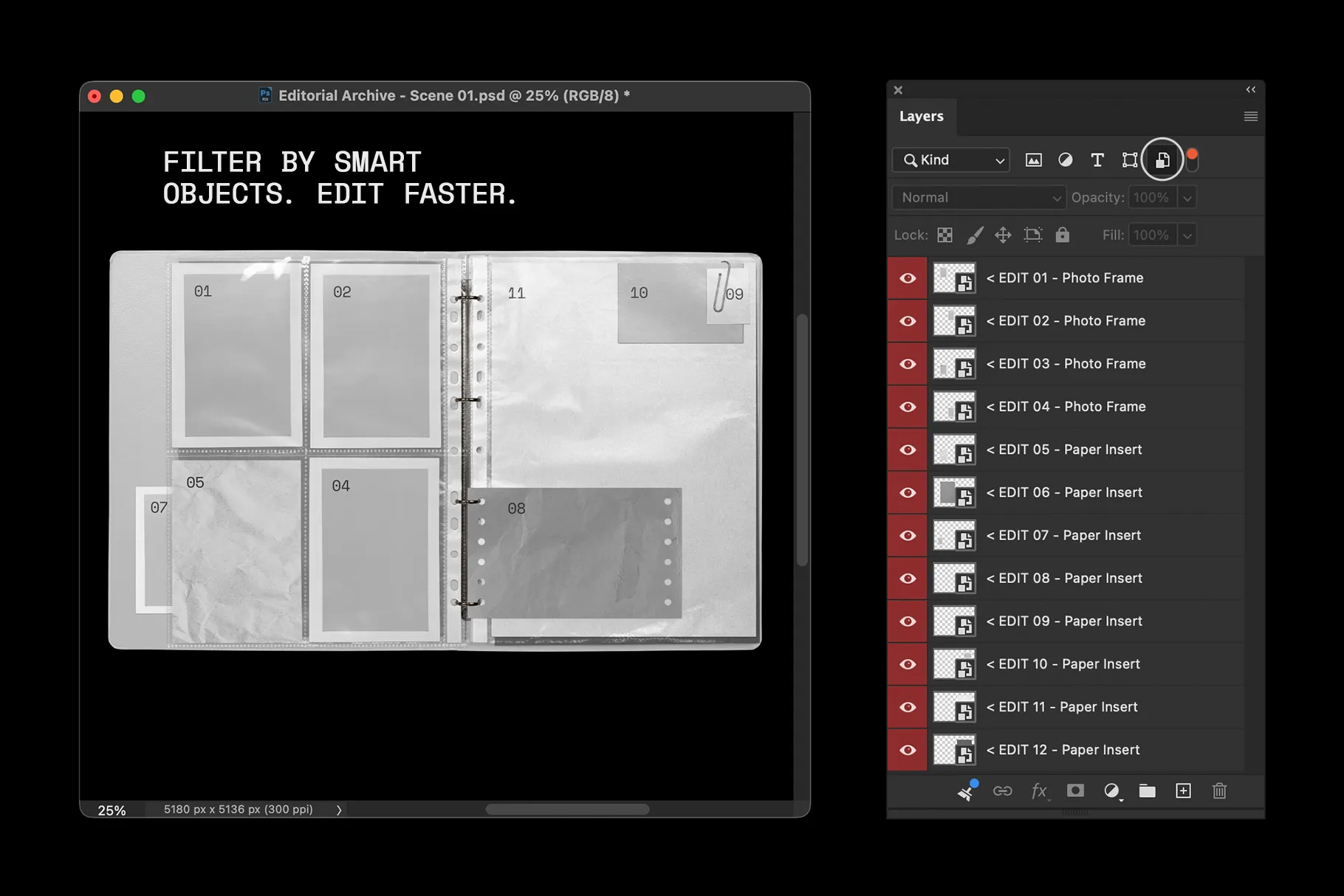
The mockups are fully editable in Adobe Photoshop and built with smart objects.
Open the smart object, place your artwork, save, and your design updates automatically inside the scene. You can resize your design, adjust the placement, change colors, and customize the overall look to match your project.
Use the premade scenes when you need something fast. Use the separate PSD files when you want to build something more custom.
Human-Made Authenticity
That gives the mockups a more natural and tactile feel. The plastic sheets have real reflections, the paper surfaces have actual texture, and the binder elements carry the kind of detail that makes a presentation feel believable.
Shot from scratch with a 50mm macro lens on a full-frame camera for high-resolution, realistic results.
Showcase Your Designs For
Use Editorial Archive Mockup Kit to present:
editorial spreads
fashion campaigns
lookbook visuals
photography projects
branding systems
visual identities
zines and print experiments
album covers and music artwork
typography layouts
social media campaign visuals
portfolio presentations
moodboards and concept decks
poster designs
flyer layouts
It works especially well for projects that need an editorial, archival, fashion, underground, or studio-built feeling.
What’s Included
4 Premade Photoshop Mockup Scenes
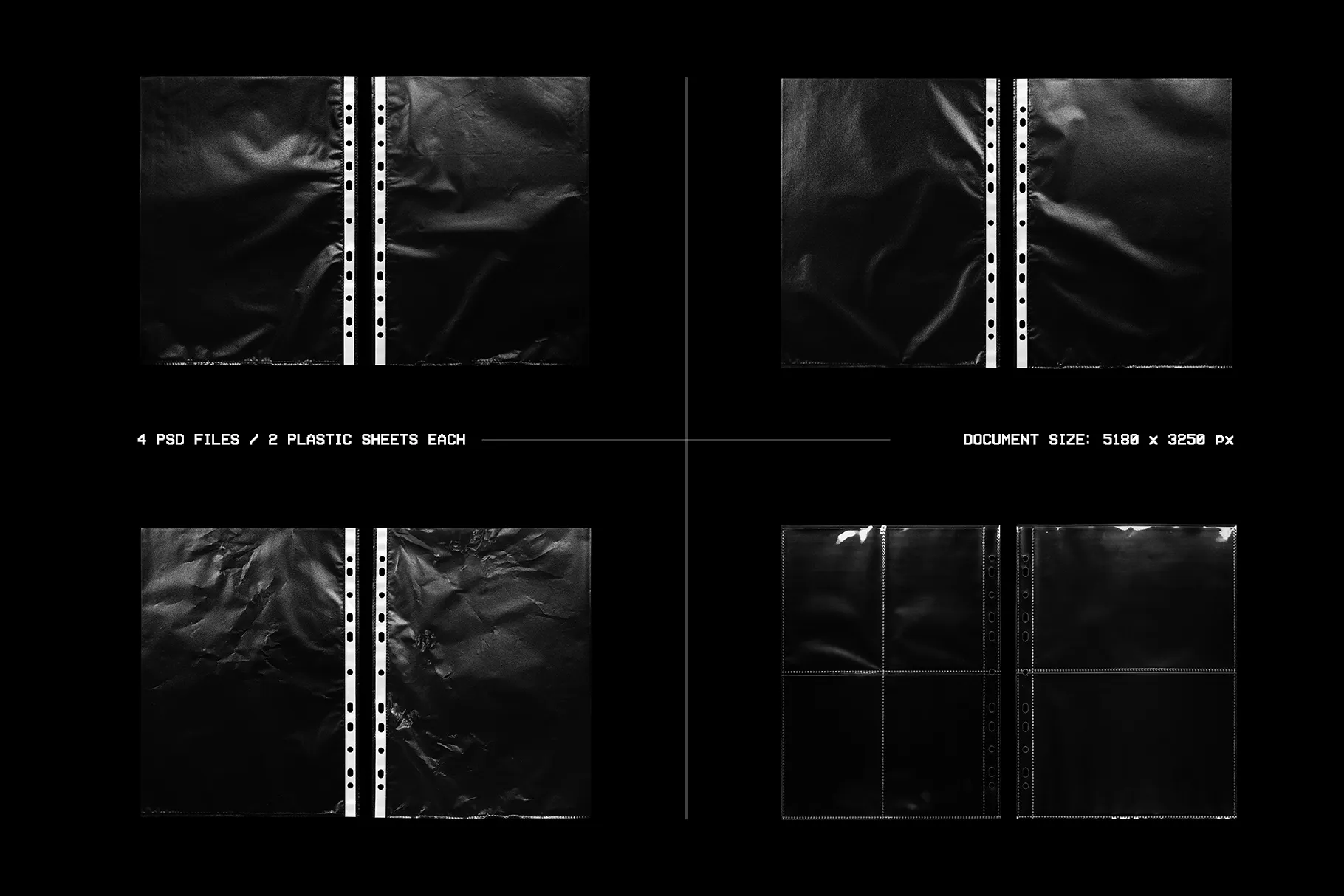
Ready-to-use PSD scenes with editable smart objects. Perfect for quick presentations and polished product previews.4 Separate Plastic Sheet PSD Files
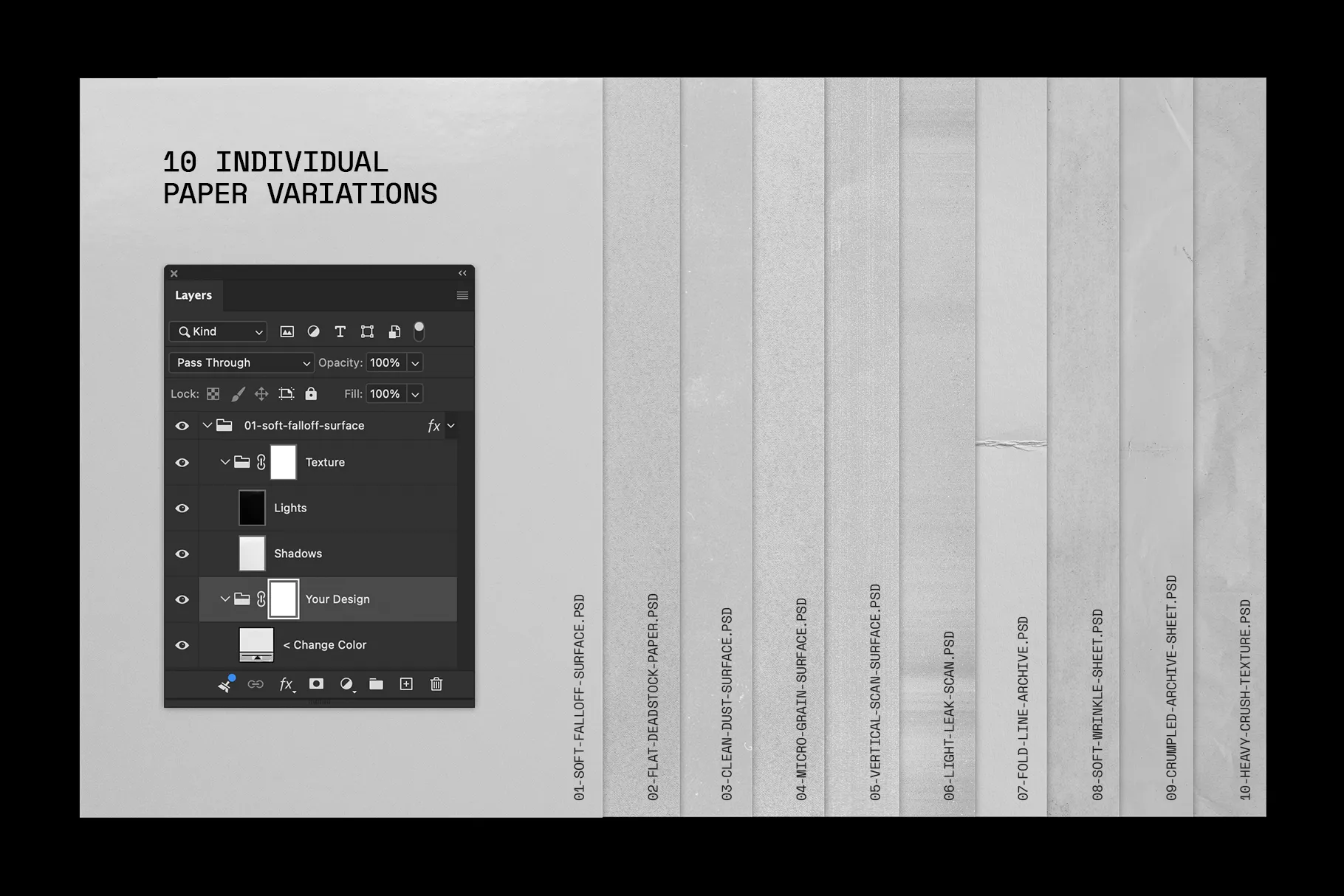
Each file includes 2 plastic sheets, giving you more control to build your own scene layouts and custom compositions.10 Individual Paper Photoshop Files
A set of different paper variations and surface styles. Use them as backgrounds, inserts, layers, or texture elements in your own archive-inspired scenes.